
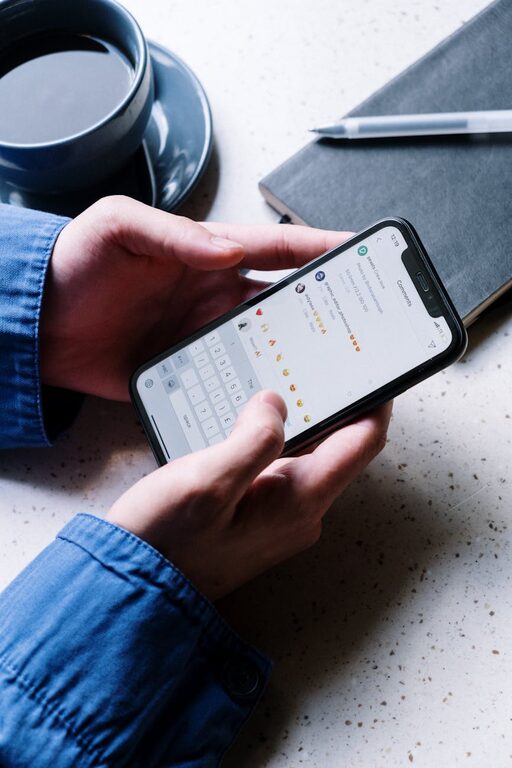
In today’s connected world, notifications are a constant presence on our devices—from smartphones and tablets to laptops and smartwatches. While these alerts can be helpful reminders, they often interrupt our focus and increase stress. Setting clear boundaries with notifications helps reclaim your time, maintain concentration, and improve wellbeing.
This post shares practical tips to manage notifications efficiently without missing what’s important.
Why Setting Boundaries with Notifications Matters
Notifications are designed to capture your attention immediately. However, frequent interruptions can fragment your workflow, decrease productivity, and increase fatigue. Studies have shown that even brief distractions can take significant time to recover from.
By controlling when and how you receive notifications, you can:
– Reduce stress caused by constant alerts
– Maintain deeper focus on tasks
– Create healthier habits around technology use
– Prioritize truly important messages and updates
Step 1: Audit Your Current Notifications
Start by reviewing the apps and services sending you notifications.
– List out apps: Open your device’s notification settings and write down which apps are allowed to send alerts.
– Assess importance: For each app, ask yourself how critical its notifications are. Social media alerts may not be as urgent as emails from your workplace or calendar reminders.
This audit gives a clear picture and helps identify which notifications can be turned off or adjusted.
Step 2: Choose Notification Settings Wisely
Most devices and apps offer granular controls for notifications.
Customize Alerts on Your Device
– Mute non-essential apps: Disable notifications from apps that don’t need your immediate attention.
– Use Do Not Disturb mode: Schedule Do Not Disturb during focused work hours or at night to minimize disruptions.
– Enable priority notifications: On many devices, you can mark certain contacts or apps as “priority” so their alerts come through even in Do Not Disturb mode.
Adjust App-Specific Settings
Some apps let you tailor notifications by type:
– Email apps may allow notifications only for messages from specific people or flagged emails.
– Social media apps often let you turn off likes and comments notifications but keep messages active.
Explore these options to avoid unnecessary noise.
Step 3: Create “Notification-Free” Time Blocks
Setting dedicated periods without notifications can improve concentration and mental rest.
– Schedule breaks: Use techniques like the Pomodoro method (25 minutes work, 5 minutes break) and silence notifications during focus sessions.
– Set offline hours: Decide on windows during the day (e.g., early morning or evening) when you avoid checking devices altogether.
– Communicate your availability: Let colleagues, friends, and family know your preferred windows for responding to messages to set clear expectations.
Step 4: Use Technology Tools to Manage Notifications
Beyond built-in settings, consider apps and tools designed to help control distractions:
– Focus apps: Apps like Forest or Focus@Will encourage sustained concentration by blocking notifications and tracking focused time.
– Notification managers: Tools such as AutoNotification or Notification Blocker help filter or summarize alerts.
– Email filters and rules: Automate sorting emails into priority inboxes or folders to minimize unimportant alerts.
Experiment with different tools to find what fits your workflow best.
Step 5: Develop Mindful Notification Habits
Beyond technical tweaks, building mindful habits supports healthier interaction with notifications.
– Check notifications intentionally: Rather than reacting to every alert immediately, designate specific times to review messages.
– Practice digital detox: Occasionally taking device-free breaks helps reset your sensitivity to constant alerts.
– Reflect regularly: Periodically review which notifications you still need and adjust settings accordingly.
Common Challenges and How to Overcome Them
– Fear of missing out (FOMO): Remind yourself that important messages can wait a bit. Prioritizing focus yields better results.
– Urgent work demands: For crucial roles, customize notifications to avoid missing critical updates, but still limit less important alerts.
– Habitual checking: Replace the urge by focusing on a different habit like stretching or deep breathing.
Final Thoughts
Managing notifications is a vital skill in the digital age. By auditing your current alerts, customizing settings, setting focused time blocks, using helpful tools, and cultivating mindful habits, you can take control of your digital environment. This leads to reduced distractions, improved concentration, and a more balanced relationship with technology.
Start today by tackling one or two of these steps and notice the positive impact on your daily productivity and peace of mind.